Tessel: three directions for launch.
Three complete pre-launch landing pages for a modular sim racing dashboard, each with its own point of view. All three run on the same real-time 3D product, so you're comparing voice, not assets. Pick the one that feels most like your company, or tell me what to steal from the others.
How to review. Open each page on a laptop and scroll slowly; the product responds to scroll. Drag the product to turn it, click the keycaps, try the color and module pickers. Then open it on your phone.
Placeholders. "Tessel", every spec, price and date are stand-ins until you send the real ones.
What the best product sites have in common
Mobbin blocks automated browsers, so I reviewed the sites it ranks highest under Business directly (Linear, Mercury, Ramp, Attio), plus the hardware brands that sell premium objects to enthusiasts: Analogue, Teenage Engineering, Framework, Daylight, Nothing, Rivian and Apple.
- The product is the hero
Analogue and Teenage Engineering give the object the whole screen and keep the UI chrome to a whisper. No lifestyle stock photo does that job.
- Show the idea physically
Framework sells modularity with a hand pulling a part out. For you, that's modules sliding off the Core, shown in motion rather than described.
- One signature interaction per page
Apple and Rivian pick one memorable moment and build the page around it, instead of animating every section the same way.
- Honest pre-order mechanics
Daylight and Framework are specific: a refundable deposit, a numbered batch, and a timeline that shows where the product actually is.
- Type carries the voice
Linear and Mercury rely on one well-chosen family and generous space. The polish lives in spacing and motion timing, not in decoration.
- Step out of the category
Sim racing sites default to RGB neon, carbon-fiber textures and angular "esports" type. Leaving all three out is what makes a $1,000 dash read as premium.
Direction A
Instrument
The dash as a precision object. Light, Swiss and quiet, like a camera maker's product page. The page has no color of its own; every bit of color comes from the product's lights.
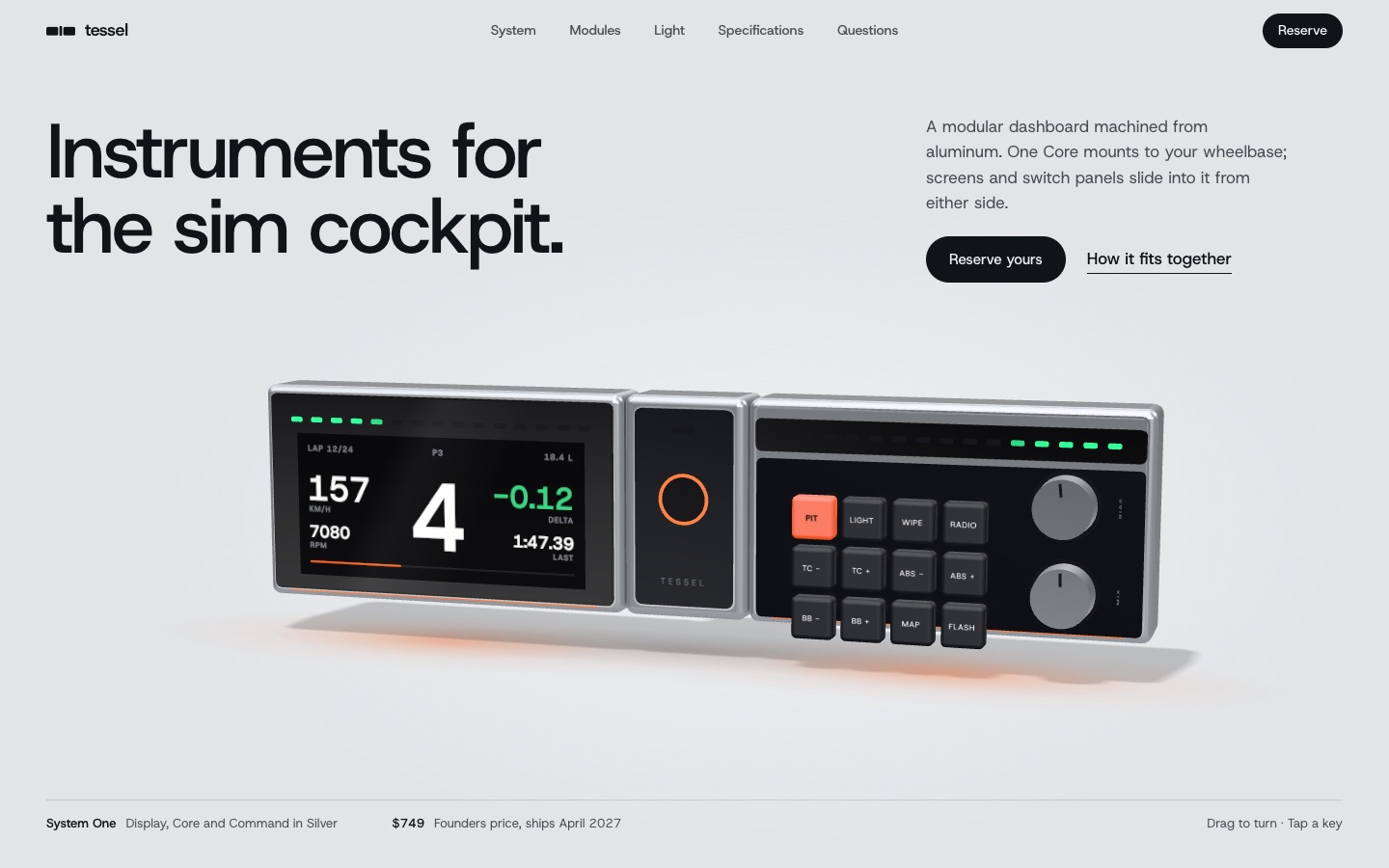
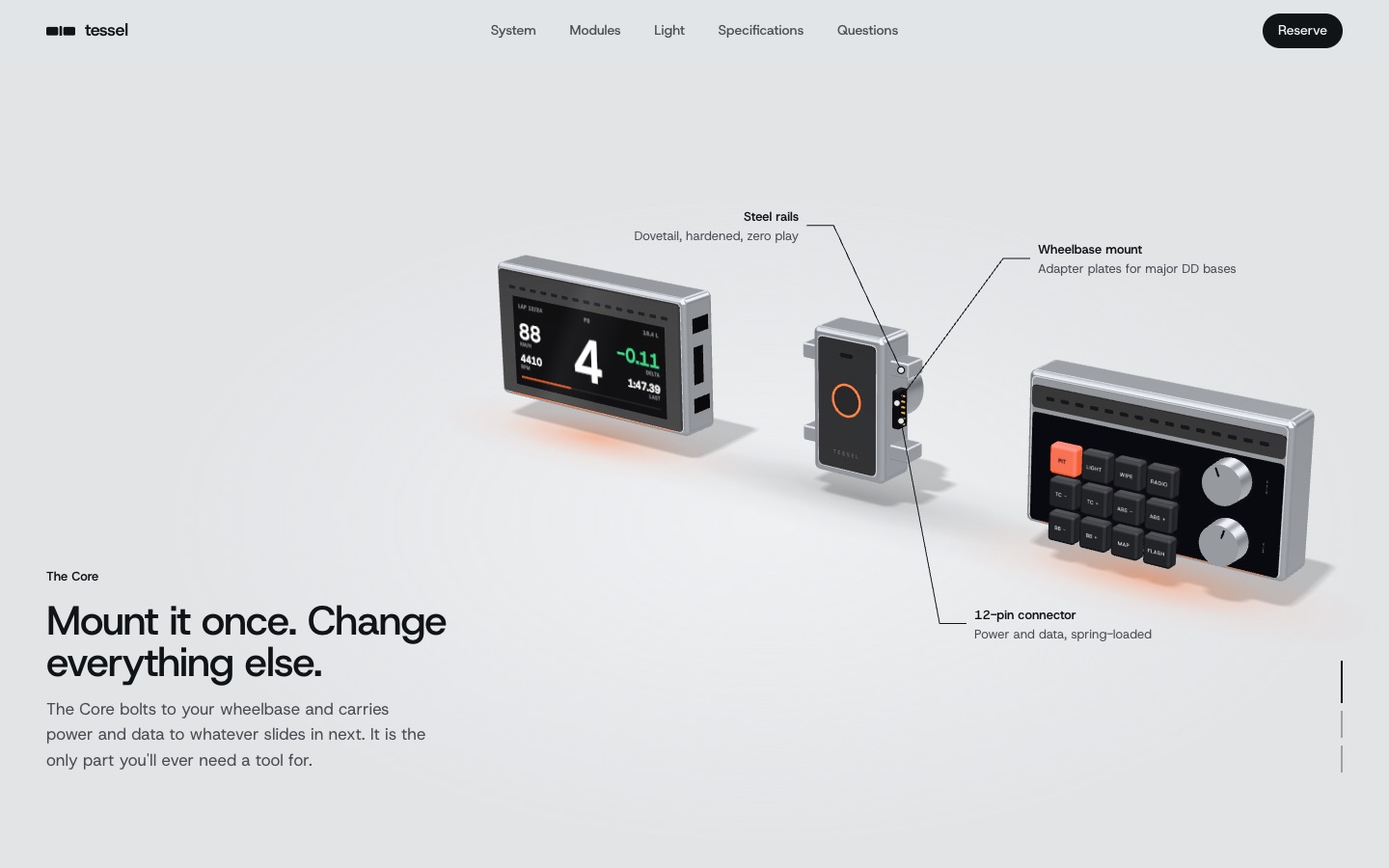
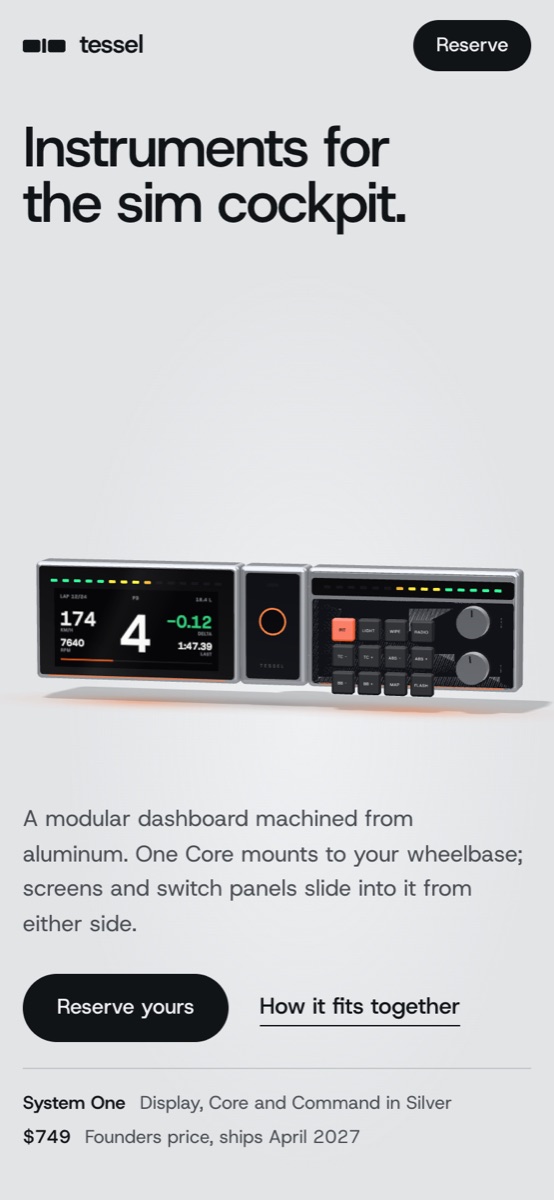
Signature moments
- The hero scrolls straight into an exploded view, with technical-drawing callouts that track the parts
- A module slides out and a Signal module slides in, driven by scroll
- "Lights down": the page fades to black and the underglow follows flag colors
- A Founders Core engraved Nº 319, slowly turning
System
Host Grotesk
Achromatic, restrained. Feels like: Analogue, Teenage Engineering, Leica.
Best if
You want to be seen as the serious, engineered choice with a long product life. It ages best, and it's the easiest to extend into a full store and support site.
Trade-off: the calmest of the three. It relies on scrolling to show off.
Open Direction ADirection B
Night Session
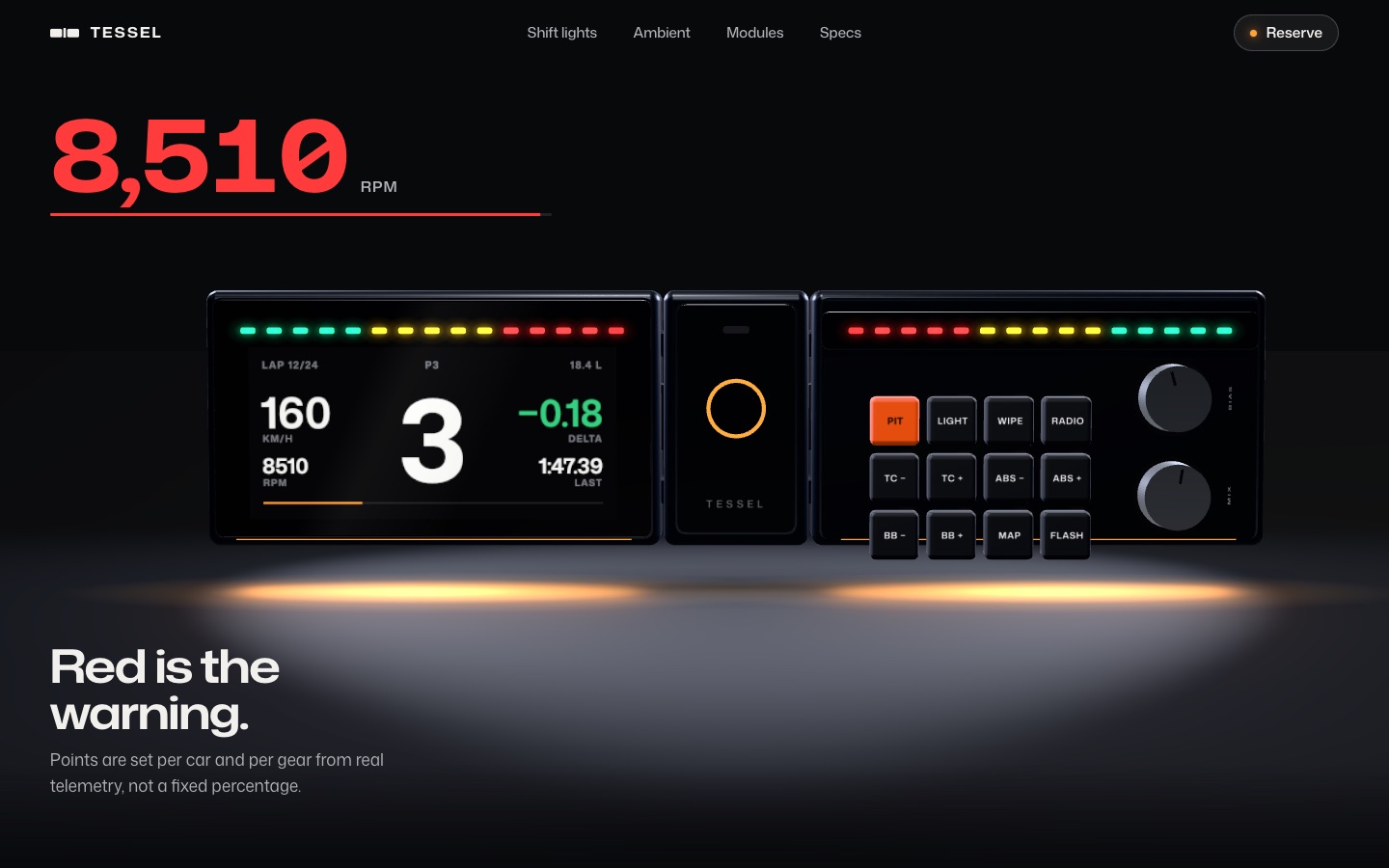
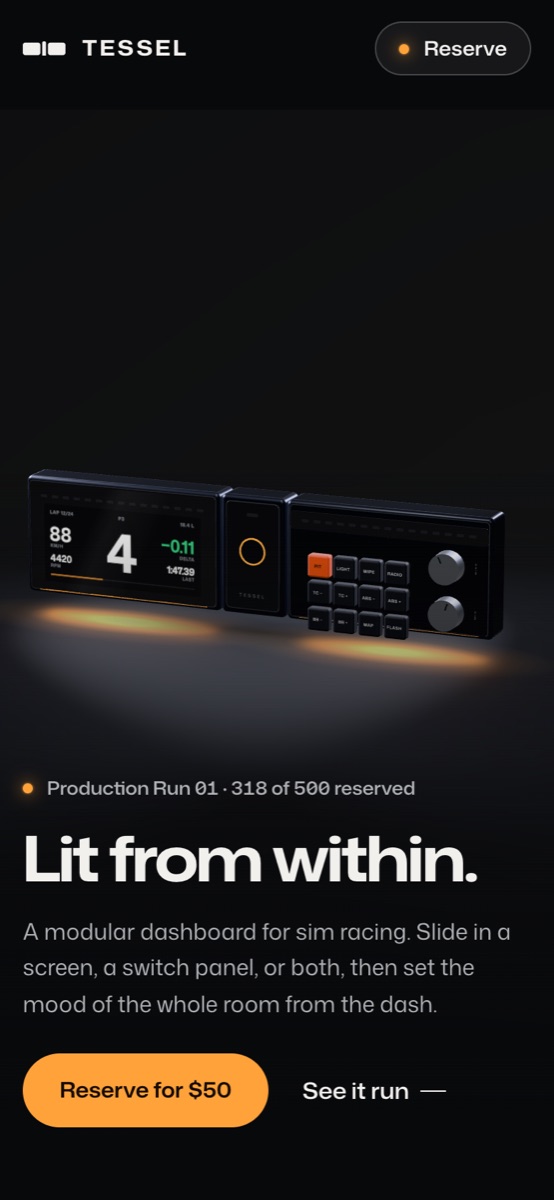
Cinematic and dark, like the room at 11 pm with only the rig lit. One luminous accent, the underglow color, and the visitor chooses it, so the whole site re-tints to match their setup.
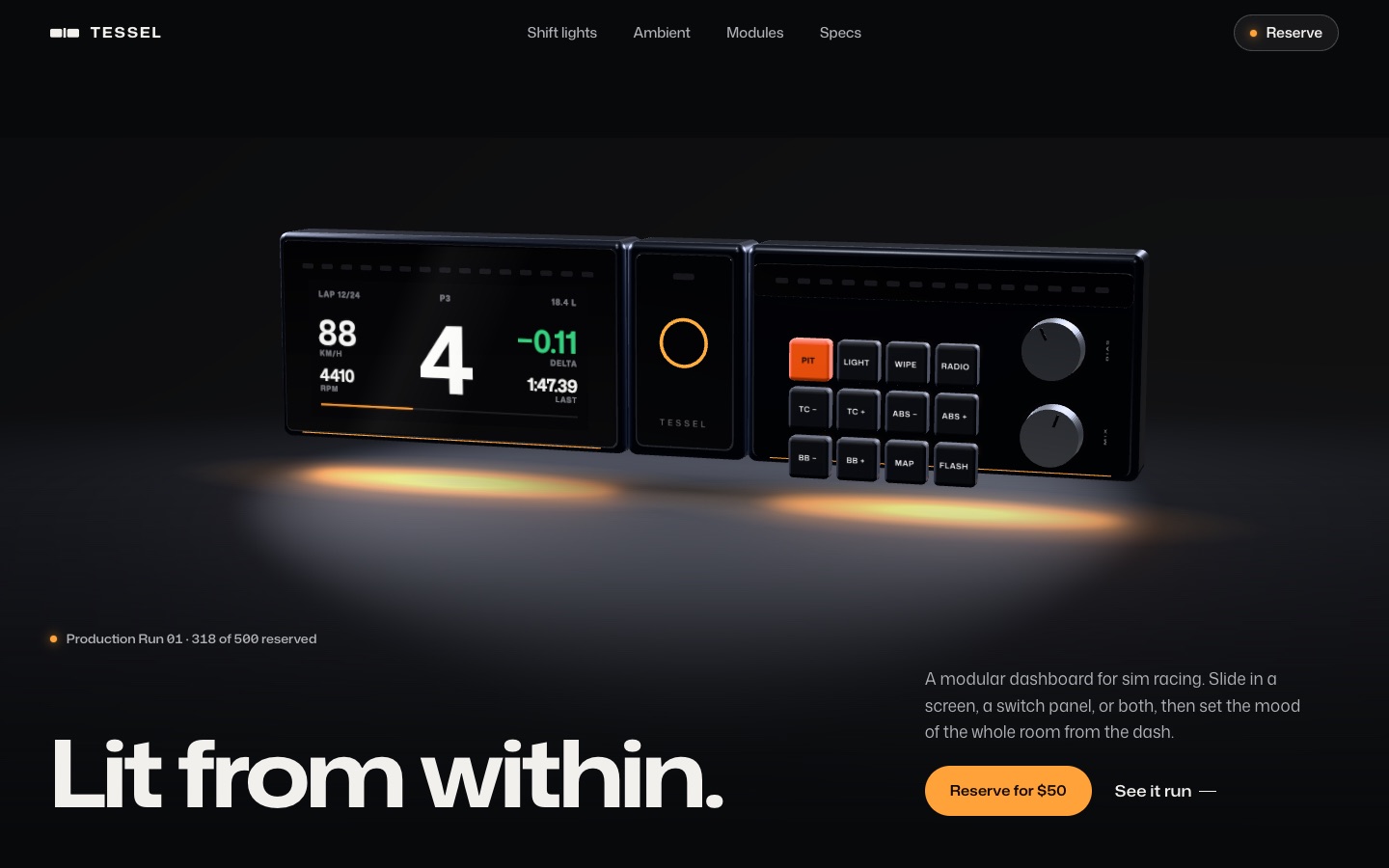
Signature moments
- Ignition: modules slide together in the dark, then the lights and underglow come up
- The shift sequence: your scroll is the throttle, and the readout goes green, amber, red, then flashes blue
- "Set the room": six ambient colors re-tint the product and the page
- Production Run 01 shown as 500 LEDs, with 318 lit
System
Mona Sans
Dark, one accent. Feels like: Apple Pro pages, Porsche, a night stint at Le Mans.
Best if
You want the most emotional first impression and to lead with the lighting, which is your most visible differentiator. It has the strongest wow in the first ten seconds.
Trade-off: dark sites need more care in long content like docs and checkout, and photography has to be art-directed.
Open Direction BDirection C
Open System
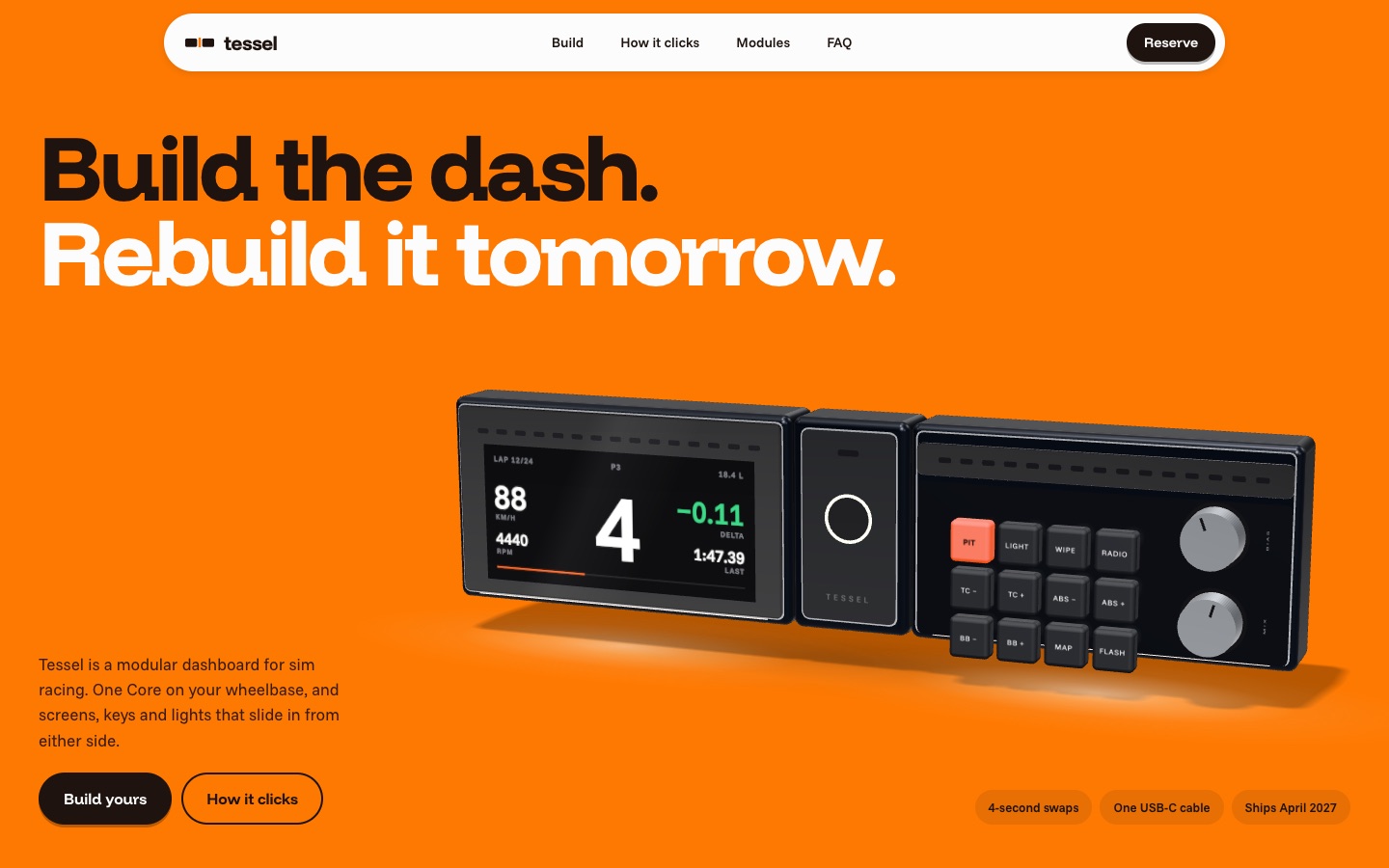
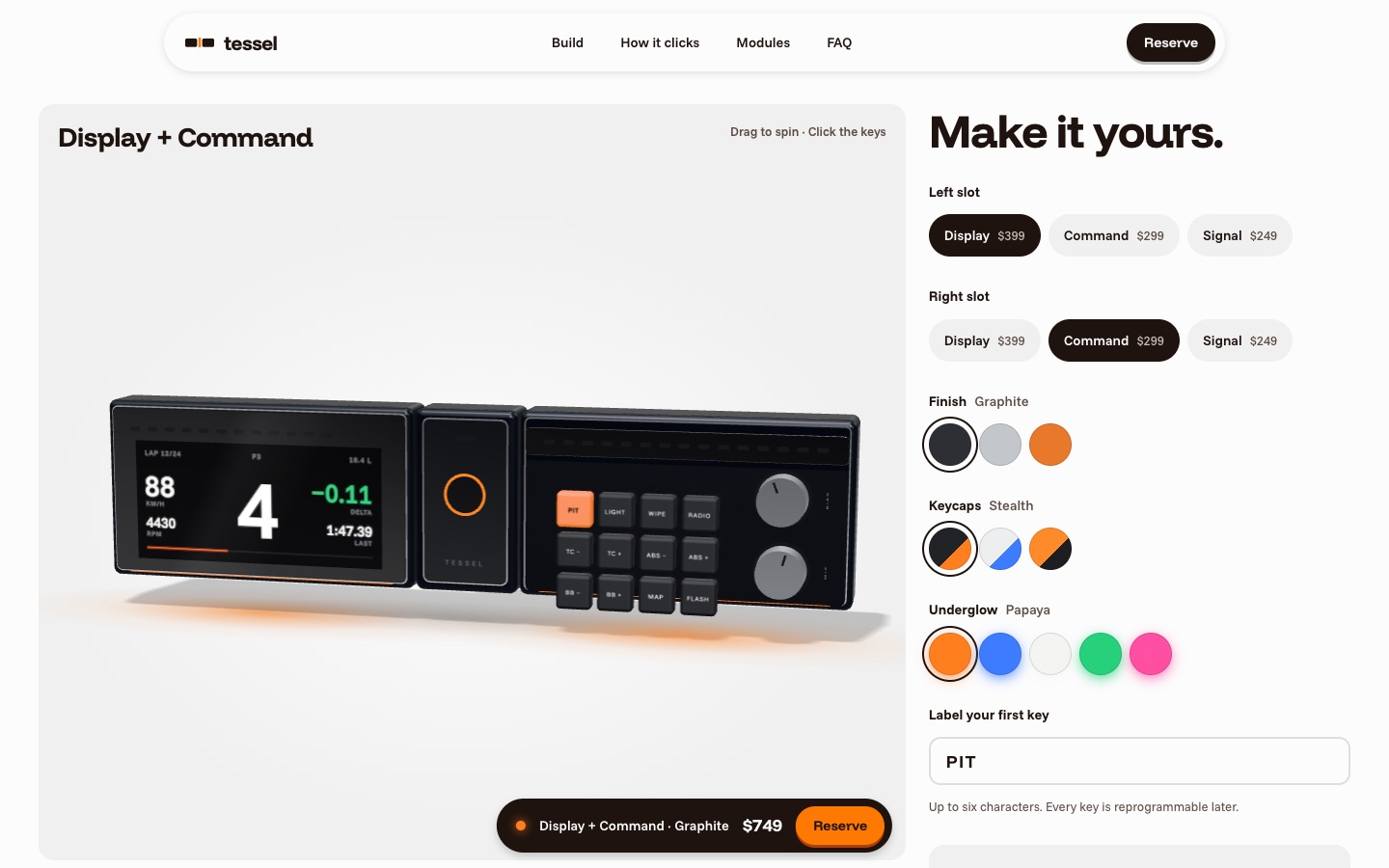
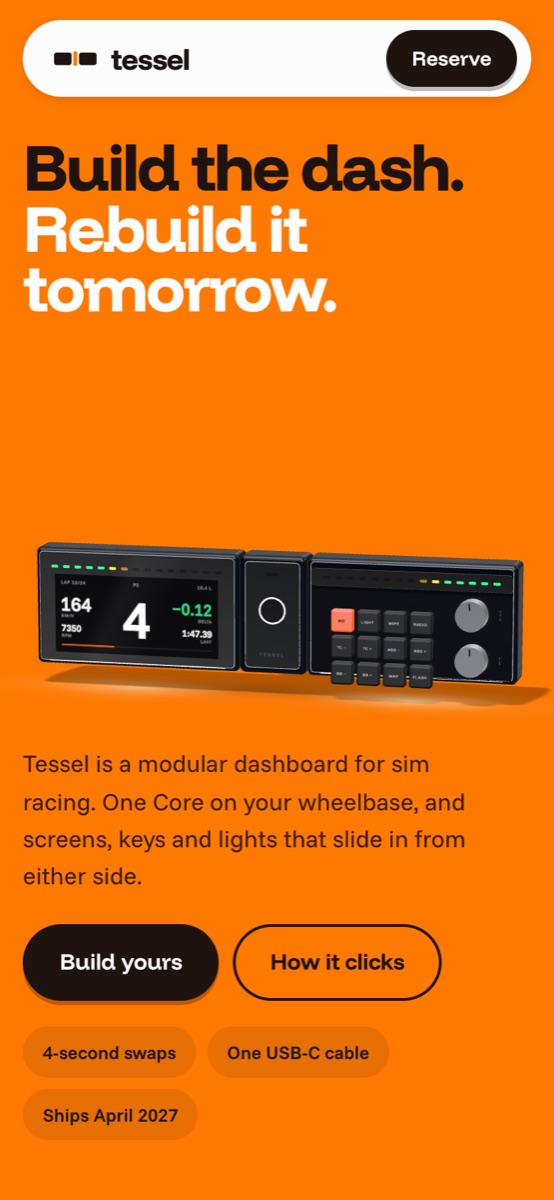
Bright, bold and hands-on. Papaya livery color, chunky friendly type, and a configurator as the main event: build your dash, label your keys, and reserve exactly that build.
Signature moments
- A full configurator: modules, finish, keycap colorway, underglow, and a custom legend typed onto a real key
- A floating build bar tracks your configuration and price down the page
- The reserve section renders your build, exactly as you configured it
- Builds are remembered between visits
System
Funnel Display
Committed color, playful. Feels like: Framework, Nothing, a mechanical keyboard group buy.
Best if
You want the most approachable brand and the shortest path to purchase. Its configurator is effectively the launch store's product page, already working.
Trade-off: the least "luxury" of the three. Premium comes from craft and confidence rather than restraint.
Open Direction COnce you pick a direction
Pre-launch set (now until orders open)
- Home / reserve: the page you pick, wired to real deposits and email
- Founders: a focused page for the numbered first run, built for ads and creators
- Campaign pages: one per story (shift lights, ambient, modularity) for paid and social traffic
- Build log: the timeline and engineering updates that keep the list warm
Launch site (when it ships)
- Store: product pages per module, the configurator, cart and checkout (Shopify headless works well here)
- Compatibility checker: pick your wheelbase and sims to see what fits
- Support: Tessel Studio downloads, setup guides, profiles, warranty
- Account: orders, serials, saved builds
What I'll need from you
- The direction, or which pieces to combine
- Real name, specs, prices and dates
- CAD (STEP or GLB) and any photos of the prototypes
- Your deposit and email tools, if you already use any